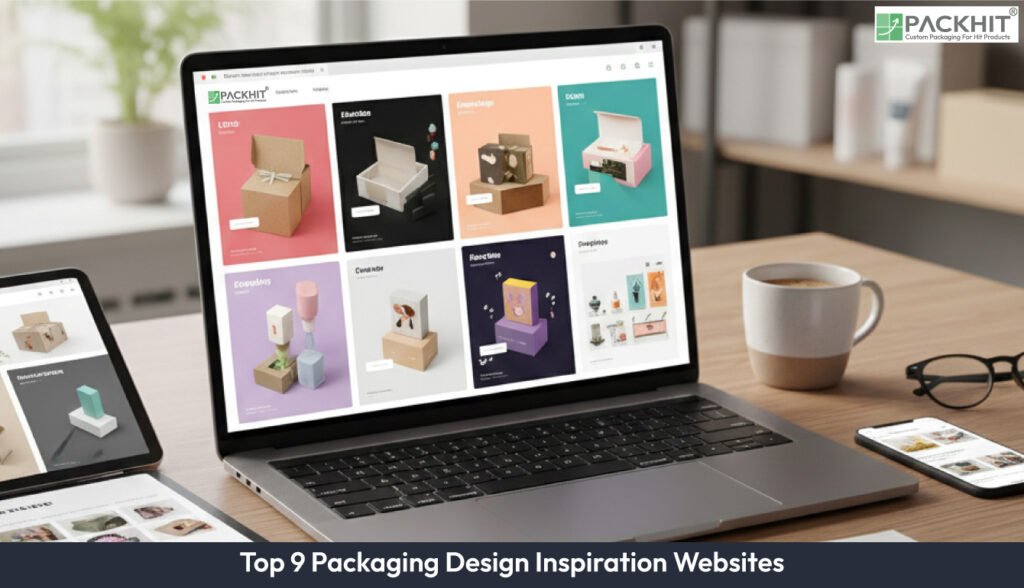
The nine online websites for packaging design include dieline, packagingoftheworld, behance, designaspiration, 99packagingdesign, packagingdigest, niice, pinterest, and theinspiraiongrid. The list covers editorial galleries, portfolio archives, image search engines and broad aggregators. Each source contributes visual grammar cues, structural references, substrate signals and finishing details that support fast comparisons. Designers scan these examples to sort colour systems, read typographic scale, note fold behaviour, and check feasibility against print and conversion limits. The context chunk adds the intent: pick inspiration that shapes functional packaging and keeps the message consistent across cartons, sleeves or flexible packs.
What is Packaging Design Inspiration?
Packaging design inspiration describes curated visual and technical examples that guide shape, structure, and presentation for packaged goods. It uses photographs, mock-ups, dielines, sectional shots, and material or finish signals such as substrate type, coatings, and embossing. Designers apply these references to shorten concept stages, set colour and typography rules, and check feasibility against production limits or logistics constraints. They select ideas that align with the message they want to convey, whether the item targets retail or e-commerce. Typical uses cover early idea checks, competitor comparisons, and translation of design intent into supplier-ready notes. Common outputs include annotated images, a reference group of 6–12 items with examples such as cartons or sleeves, and prototype dielines that record board grade and finishing notes.
Which Websites Provide Reliable Packaging Design References?
The nine following websites provide reliable packaging design references:
1. Dieline.com
Dieline.com runs an editorial gallery that shows packaging case studies and product‑focused photography. Editors select each project, and each entry shows a clear retail context with examples such as beverage wraps and cosmetics cartons. Use the gallery for trend checks and for spotting retail visual rules. Search by product type and finishing term to filter for shelf‑ready packs. Gather 6–12 references, add short notes on material and finishing steps with examples such as matt lamination and hot foil, then match repeated structural details to your brief before you create a first dieline. The gallery helps you pick functional and appealing ideas if you want to shape early concepts into clear packaging directions.
2. Packaging of the World
Packaging of the World acts as a project-focused aggregator that gathers packaging releases and studio submissions from multiple regions. It covers a broad range of product classes with examples such as food and personal care. This spread supports fast cross‑market benchmarking. Use it to spot recurring structural solutions and to note regional graphic habits. Extract clear samples for comparison, then track differences in scale, label placement and finishing because these factors shape production planning. Use direct observations to guide functional choices if you need packaging that communicates the message described in the wider inspiration context.
3. Behance
Behance holds portfolio projects that show start‑to‑finish packaging work. Designers post sketches, mock‑ups, and production notes such as dieline images and print proofs. This clarity helps you read each step without guesswork. Pick projects that show clear progress stages, then copy those stages into a short checklist. This supports functional packaging choices, if you want references that keep shape, structure, and message consistent with the visual themes in your wider inspiration set.
4. Designspiration
Designspiration runs an image search that responds to colour and keyword filters. It’s quick recall sorts results by colour values and specific terms such as minimal packaging or kraft board. Use it to build tight moodboards that match a set colour system, then check how that palette works across different pack types. Create short boards that show finish and typographic scale, and tag each image with material and finish details. If you want packaging that stays functional and clear, as described in the wider inspiration context.
5. 99 Packaging Design
99 Packaging Design groups packaging projects and clear creative executions. The collection stays tightly curated, so each category loads fast and stays easy to scan. Categories include limited‑edition releases and seasonal packaging examples. Use the site for quick checks during concept sprints. Collect short references, mark unusual structural parts or closure types, and flag items that match cost or production limits for later review. The direct layout helps you pull functional ideas that support the message you want to show if you follow the inspiration goal described in the wider context.
6. Packaging Digest
Packaging Digest groups news, product launches and technical notes that relate to packaging, with examples such as material announcements and machine‑process descriptions. It highlights production and material facts that influence design choices. Use it to check the feasibility for new materials, check how finishes behave during print and conversion, and convert visual ideas into clear specifications by comparing these notes with supplier capabilities described in the articles. It helps you pick functional references, if you want packaging that stays practical yet clear, as suggested in the broader inspiration context.
7. Niice
Niice stores packaging references in clear boards. It groups images, labels them with short notes, and keeps brand moodboards and finish libraries in one place. Teams sort items fast, tag each image with production notes such as substrate grade or finishing type, and keep the layout consistent across projects. The tool pulls ideas from the nine inspiration sources described in this article, including colour‑driven boards and structural examples. Use Niice to place these items in one annotated board, if you want to create functional yet appealing packaging with references that are easy to scan. Export the board and send it to suppliers after you confirm the tags, because clear labels reduce errors during early production checks.
8. Pinterest
Pinterest runs a social image‑bookmarking network where users sort images into boards and find new pins through algorithmic suggestions. It shows fast visual clusters with examples such as dieline pins and packaging mock‑ups. Use Pinterest for broad idea scans, if you want quick links between colours, materials or shapes. Save high‑resolution pins, keep short notes from comment threads, and turn the clearest visual cues into small reference packs. This keeps your packaging direction functional and appealing, as described in the context chunk.
9. theinspirationgrid
theinspirationgrid is a curatorial site that shows work across design fields, including packaging. It uses cross‑disciplinary curation with examples such as graphic‑led packs and illustrative brands. Use it to pull illustration styles and type tests, then check these ideas against packaging limits such as printable area, fold lines and retail readability. The site helps you pick functional and clear references, if you want packaging that follows the goal in the context chunk and stays consistent with the inspiration set.